For retailers, procurers & policy makers
EPREL data, built for professional decisions.
Search, compare, and analyse official EPREL product data — enriched with price and availability data — for documentation, public procurement, and market monitoring.
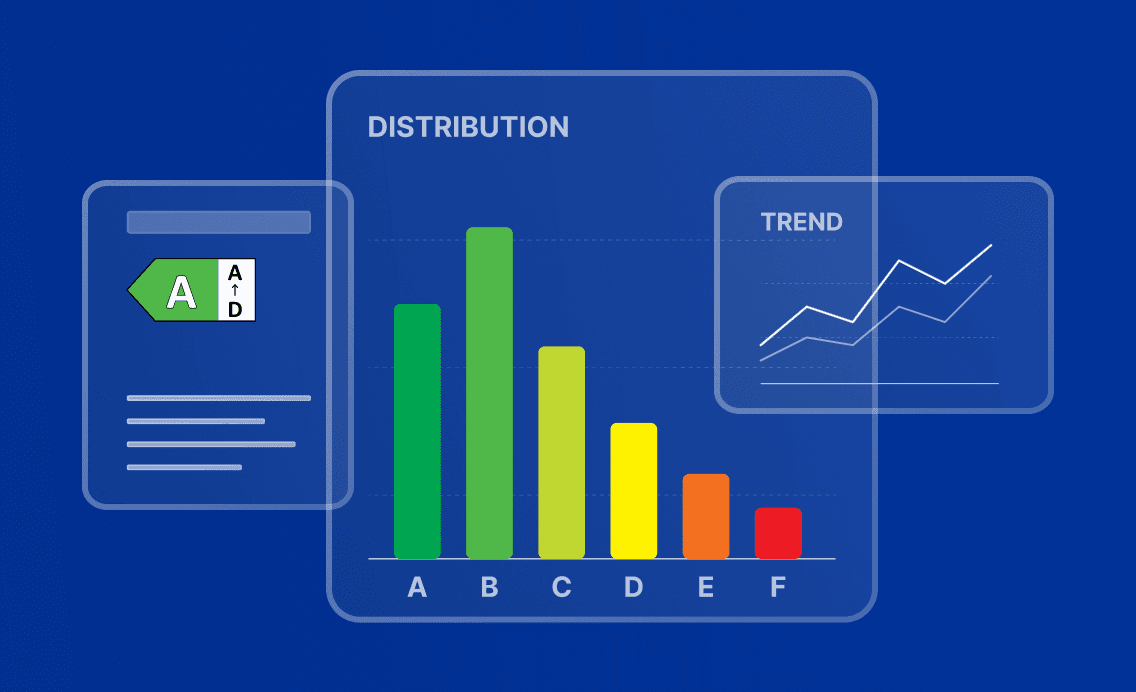
- Source
- EPREL
- Official registry
- Market availability
- 5.4M · 10 markets
- All product groups
- Freshness
- Daily sync
- Last updated: October 21, 2026
- Export
- CSV · XLSX · PDF · API
- With filter state
For public procurers
Define procurement criteria the market can meet, and export the data with timestamps and filter state.
- Filter the market by energy class, parameter range, and country availability.
- See class distribution and analyse parameter percentiles.
- Compare specific products side by side, including total cost.
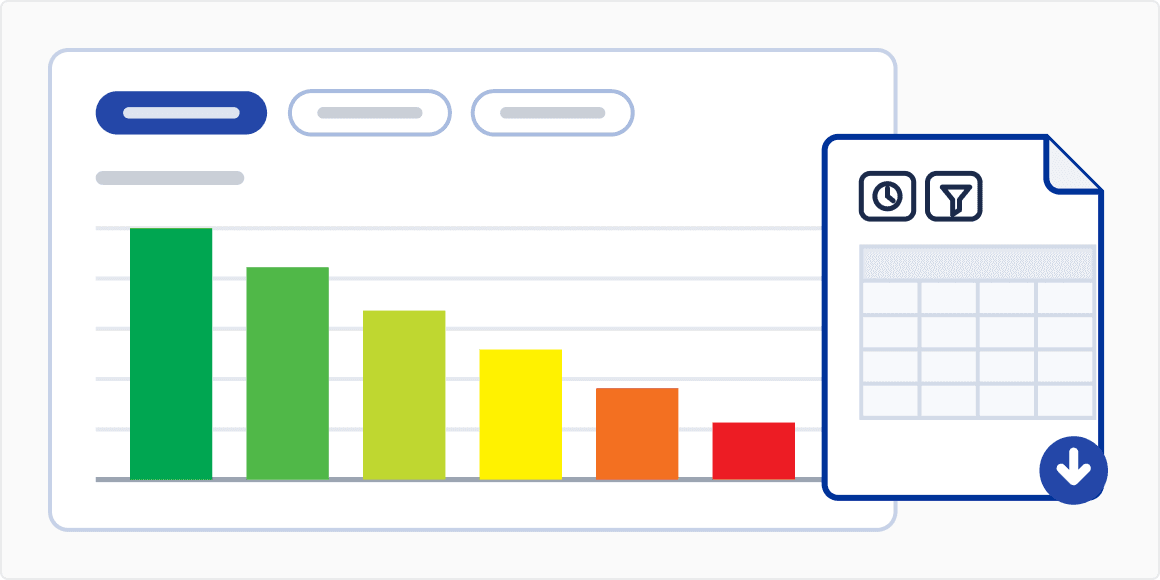
- Export filtered datasets and charts with filter state and timestamps preserved.
How procurement works on EPREL
From criteria to defensible data in three steps.
- 01
Pick a product group
Refrigerators, dishwashers, washing machines, ovens, lamps — any of the EPREL groups.
- 02
Filter according to your procurement criteria
Energy class minimums, parameter ranges, country availability — see the market response live.
- 03
Export the data
CSV, XLSX or PDF, with timestamps and filter state to document your procurement decision.
- Go to Categories
Filter according to your procurement criteria
Pick a product group and narrow by class, parameter range, country availability.
- Go to Market Analysis
See energy class distribution
Class share for the chosen group — useful for setting a "minimum class A or B" criterion that the market can actually meet.
- Go to Market Analysis
Analyze parameter distributions
Mean, min, max, standard deviation, and percentile positioning per parameter.
- Go to Compare
Compare specific products
Side-by-side comparison of up to 6 products, including total cost.
- Go to Market Analysis
Check trends over time
How efficiency, parameters, or class distribution have shifted.
- Go to Market Analysis
Export with filter state preserved
Excel datasets and chart images, with timestamp and filter context retained for procurement documentation.
Frequently Asked Questions (FAQ)
Yes. Product data is available programmatically for read access, which is useful for retailers integrating product information into e-commerce systems. The cost calculator is also available as an embeddable widget for third-party sites, with no authentication required. Documentation links are available in the About section.
Product information comes directly from EPREL, the European Commission's official registry for energy-labelled products. The platform combines this information with additional market data, such as price and availability. Prices and availability may change over time and are provided for information purposes only.
Yes, exports show the data, the date of retrieval and the filters applied. This helps document how products were identified, compared or selected as part of a procurement process.
The product registry is synced with EPREL daily — see the "Last updated" date in the page footer. Prices and availability come from market data that is refreshed less frequently (roughly every two weeks) and are indicative only.